
Windows 8 failed to emulate the massive success that its predecessor, Windows 7, managed to achieve. So, Microsoft had to do something in order to produce an OS that would manage to scale the heights of Windows 7.
Their response? The highly successful Windows 10. The newest OS from Microsoft answered all the questions that Windows 8 had failed to, and while doing that, it made the lives of PC users much easier.
Apart from the myriad of new features that Windows 10 brings to the table, one particular feature that has got everyone is Cortana. But, what is Cortana and how does it work? Let’s find out.
What Is Cortana?
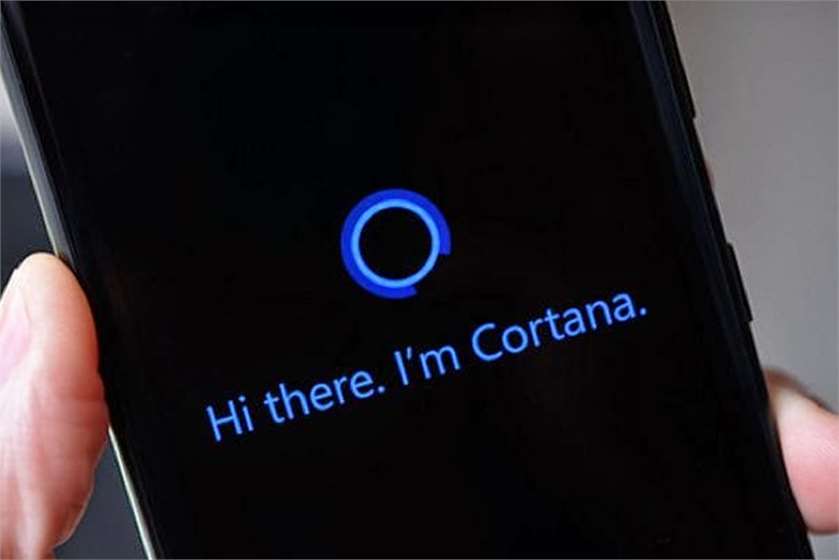
Cortana is Windows’ virtual assistant that can help you in doing a lot of things seamlessly. It is a voice based input that responds to your queries and presents you different solutions according to your problem. For instance, if you want to set a reminder for an upcoming meeting, you can simply let Cortana to do that for you, and it will be done in a matter of seconds. If you want to open any application on your PC, all you have to do is to ask Cortana to do it for you and she will. Apart from that, you can even have regular conversations in case you feel bored. Cortana will be there to help you with everything. Although it made its debut in Windows 8.1, Microsoft has taken Cortana to an all-new level with the latest Windows 10.

(Image Courtesy: Computer Business)
How Does Cortana Work?
To understand the potential of Cortana, consider this: She can be the Jarvis for the Tony Stark in you. Moreover, you have to press any button to summon Cortana, all you have to do is to just say, “Hey Cortana” followed by your query and Cortana will answer your questions on the go. You can ask Cortana to perform tasks that range from the basics to absolute complex. For instance, you can check the weather, know someone’s age, know the score of a game, set the alarm, and set a reminder just by summoning Cortana.
It is hard to imagine a number of tasks that you can perform using Cortana. What makes Cortana better than other virtual assistants is the fact that she has a personality. And, as you talk to her more and more, she will understand your personality too. Unlike Google’s virtual Assistant or Apple’s Siri, Cortana is not robotic, and you would want to talk to her more often.

(Image Courtesy: Apple iPhone)
How To Enable “Hey Cortana?”
If you’re on Windows 10, you first need to visit the Action Center. You can do that by swiping right from your screen or by clicking the Notifications icon in the System Tray. From there you need to go to the All Settings option. There you’ll find an option called ‘Cortana.’ Click on it and then select ‘Customize Cortana.’ Just switch the toggle on for “Hey Cortana” from there.
(Image Courtesy: Samsung)
Can Cortana Change Computing Forever?
This is a question that needs to be answered. We are moving towards the world where AI would be a reality and Cortana seems the right place to start with. Imagine how Cortana has already changed the way you all use computers. With Cortana at your disposal, you don’t need to type in your search queries. All you have to do is to speak. Cortana is certainly an ideal prototype for an early AI. As technology around it develops, we can soon see a version of Cortana that might change the PC industry and the world forever.

(Image Courtesy: Laptop Mag)
If you found this article informative, let us know in the comments below.
(Featured Image Courtesy: PFT)


 Share
Share


