
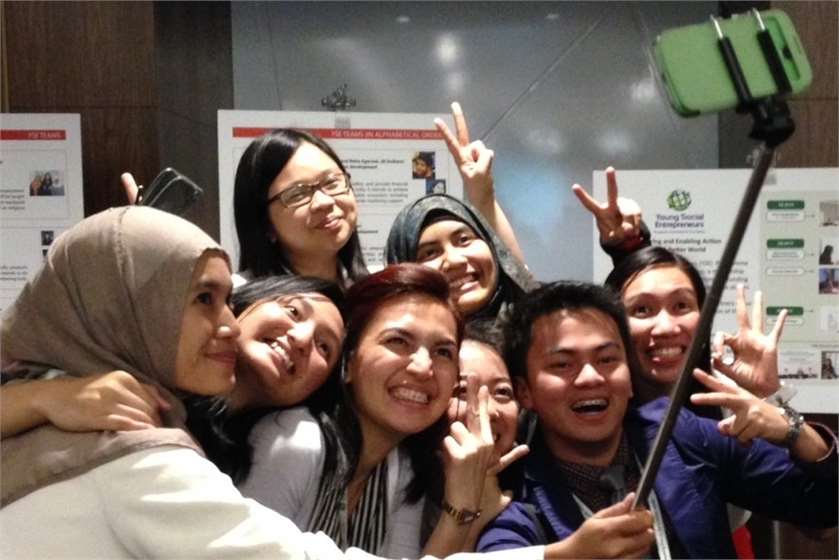
Selfie has been a popular trend for quite a while now, and they do not seem to be fading away anytime soon. The obsession with the trend has increased so much so that people have come up with different methods, techniques, and even facilitating apparatus to click selfies. One such innovative way to click selfies is to use selfie sticks. Not only does a selfie stick give your photography a sense of stability, but it also helps you naturally crop out that bizarre selfie hand.
However, many are still not aware of basics like how does a selfie stick work or how to set up a Bluetooth selfie stick. For all those who have just stepped into the world of selfies, here is a detailed guideline on how to use a selfie stick.
Quite convenient to use, these type of selfie sticks work with the Bluetooth connectivity of your phone. These can be further demarcated into two different kinds. While some Bluetooth selfie sticks come with an in-built remote on the stick, others have a separate remote altogether. With Bluetooth selfie sticks, device compatibility is not a problem anymore.

(Image Courtesy: BrandStik)
For people who are too lazy to connect to the Bluetooth in their phones, wired selfie sticks are quite easy to use. All you need to do is to connect the wire or aux cable to your phone to enjoy an endless selfie spree. With this stick, you do not have to worry about issues like low connectivity.
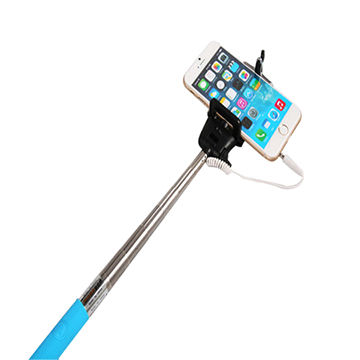
(Image Courtesy: Global Sources)
For all those who are new to the selfie game, here is the detailed process of using the two different types of selfie sticks

(Image Courtesy: Ottawa Computech)
#1. Open and Pair
The first and foremost step to begin with a Bluetooth selfie stick is to fit your phone into the selfie stick holder, switch on the Bluetooth shutter and pair it with your device.
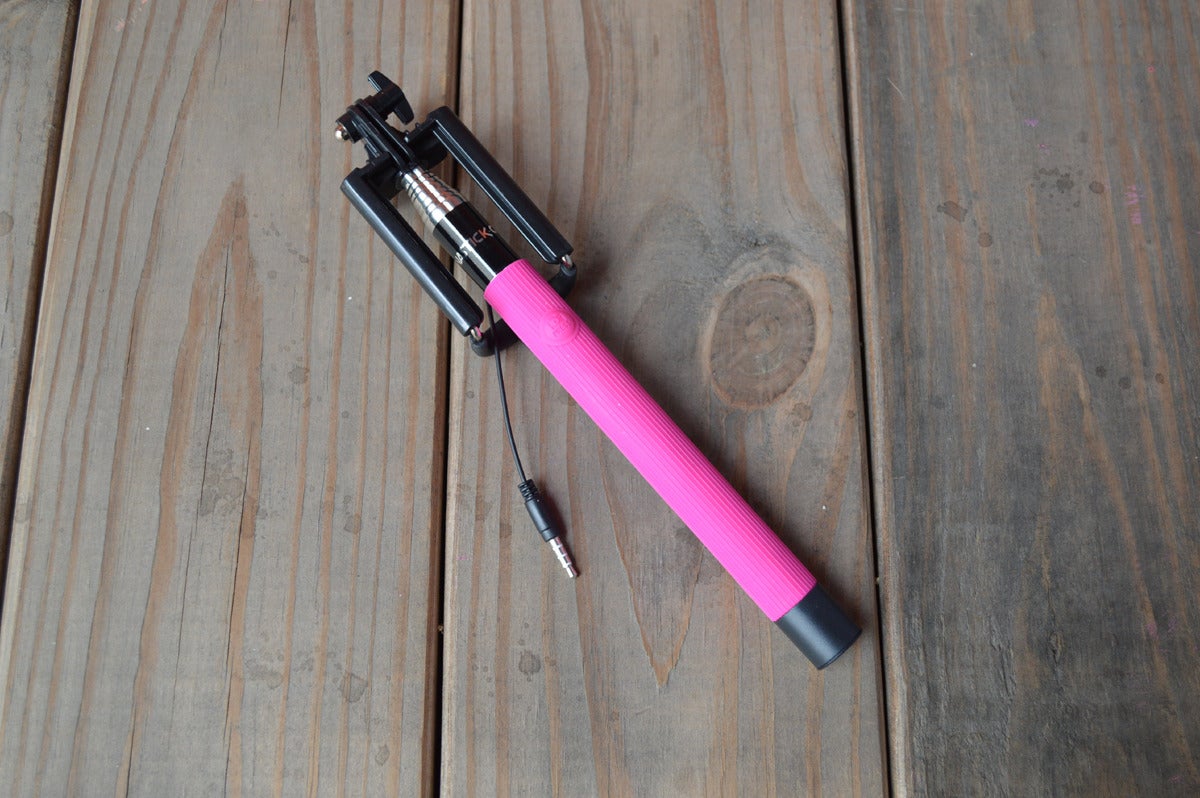
(Image Courtesy: MacWorld)
#2. Camera Application
Now that you are done connecting the selfie stick with your phone, reach your smart phone camera application.

(Image Courtesy: YouTube)
#3. Bluetooth Shutter Button
Finally, click those wonderful selfies using the Bluetooth button on your selfie stick while not having to worry about the weird selfie hand.
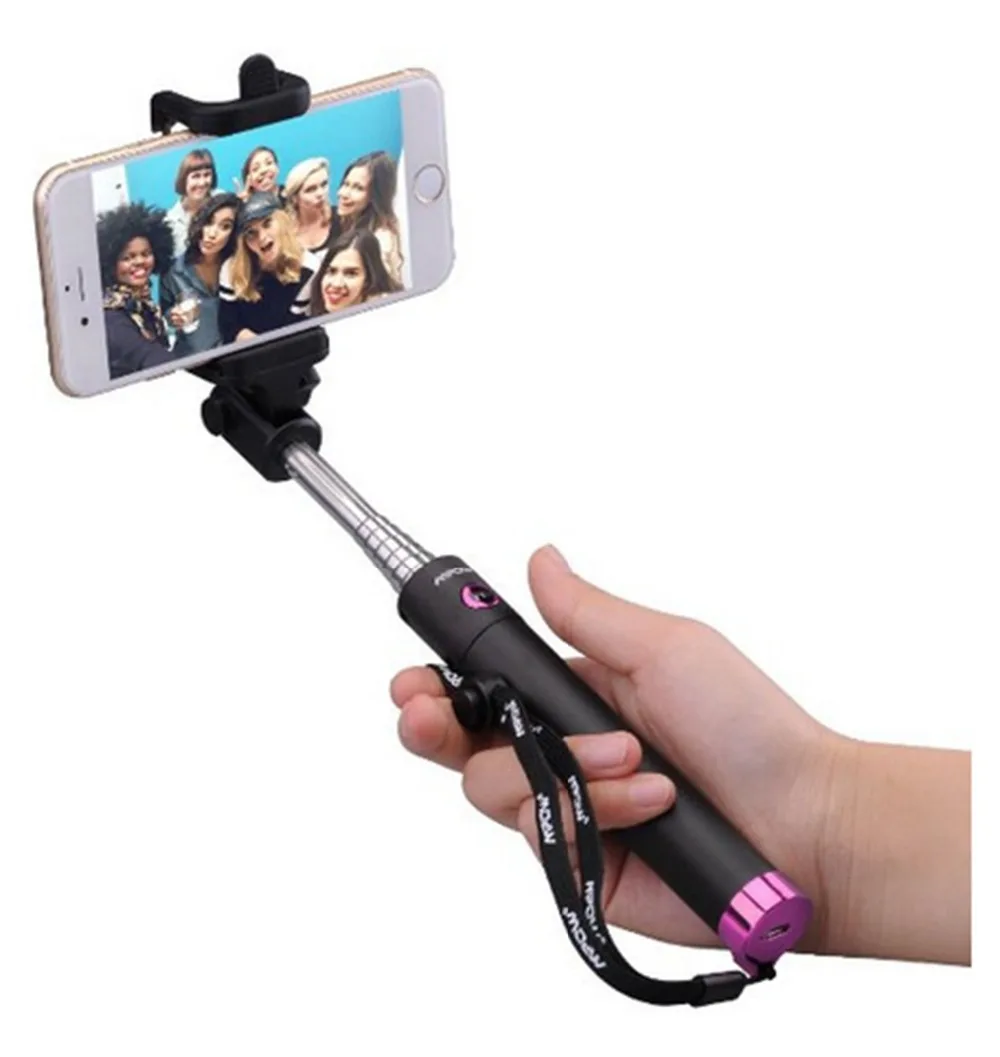
(Image Courtesy: Ali Express)
#1. Connect Your Phone
After fitting your phone into the phone holder of the selfie stick, connect the wire of your selfie stick with your phone. It is usually connected to the headphone jack of your phone.
#2. Smart Phone Camera App
After carefully connecting your phone and the selfie stick, open up your smart phone camera application.

(Image Courtesy: Heavy)
#3. Use The Remote Button
Place your selfie stick at a suitable angle and click pictures using the remote button on your stick while you do not have to deal with the shaky hands while taking a selfie.
We would love to hear from you. Which selfie stick do you prefer- Bluetooth or Wired? Kindly use the comment box to share your thoughts and opinions with us.
(Featured Image Courtesy: Return of Kings)


