

When you are not able to gain access to your social media accounts, then only one question strikes our mind, and that is ‘has my account been hacked?'’. Hacking has become a very common scene around the globe. Many individuals become a victim of illegal hacking on an everyday basis, some get to know in time and some don’t.
Hackers are of two kinds. First, people that like to throw things into disarray to create the world a better place to live in, secondly, some people who like causing devilish harm to people for fun. And, it’s the latter that you need to safeguard yourself from. Protect yourself from such evil minds as soon you get to know that you have been hacked.
Let Us Look At Some Of The Ways To Find Out That You Have Been Hacked:
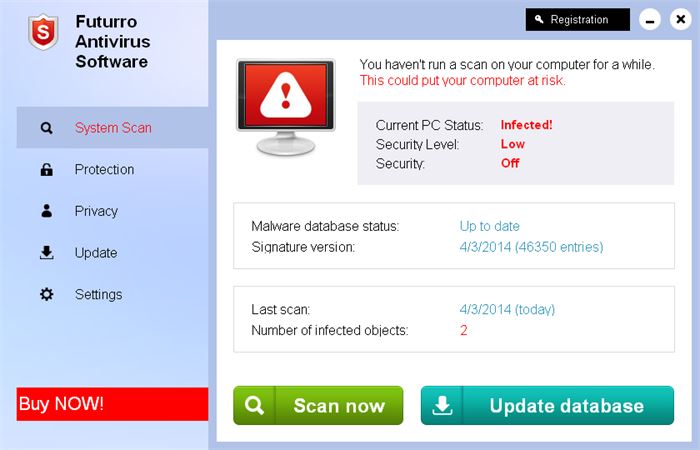
#1. Run Antivirus Software
(Image Courtesy: Malware Tips)
There are innumerable antivirus programs out there in the market, though not all are able to live up to their promise to protect us. Thus, we need to evaluate and analyze to find the right one to protect us from the difficult problem of getting hacked. Sometimes, even the best do not reap results as expected. Also, there are these unknown critical malware's that show up on an everyday basis. Hackers are always up to something or the other such as creating variants of existing malware until their mission is achieved. So, to keep them at bay try updating your software every day and allow this software for active detection as sometimes it becomes hard to detect the malware.
#2. Give The ‘Task Manager’ A Check’
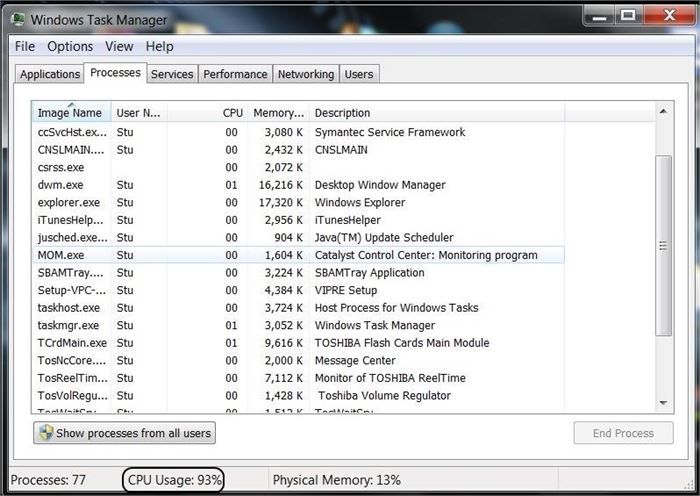
Check your task manager as soon you come to know that ‘you have been hacked.' The alternate way to access it is by pressing (Ctrl+Alt+Del) on the keyboard of your laptop or computer and tap on ‘Task Manager’ on the menu that shows up or simply type ‘Task manager’ in the search bar of your ‘Start Menu.'
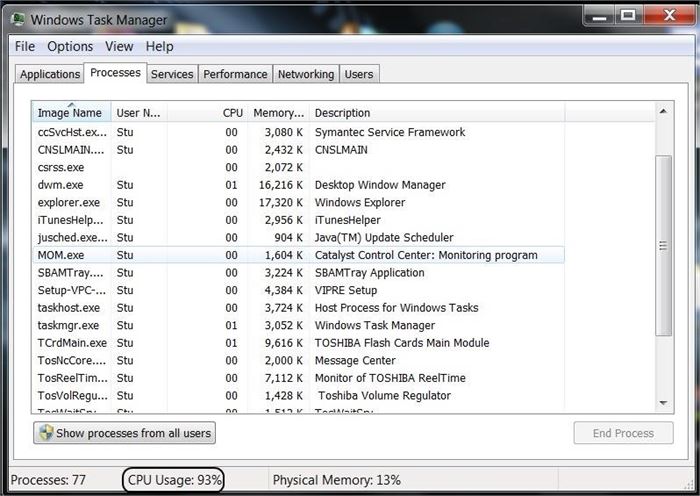
Click on ‘Task manager’ and press on ‘Processes tab.' A window will pop up with details about your CPU usage. In a machine that has been infected, the machine will be seen sitting idle, and the usage of the CPU can be seen increasing. That’s how you get an idea that there is something utterly wrong!
#3. Online Verification

Some of the ways to know that you have been hacked:
1. If you are not able to access your account on one of the social media websites, try accessing others. If the problem persists, you will get to know that you are in troubled waters and need help as soon as possible. ‘Phishing’ could be the reason. You know what we mean right? Phishing stands for asking for details such as changing passwords through fake emails.
2. You also notice that your searches on the internet are getting redirected.
3. You get a domain name and unable to get it even after you’ve made the payment.
#4. Local Computer Password
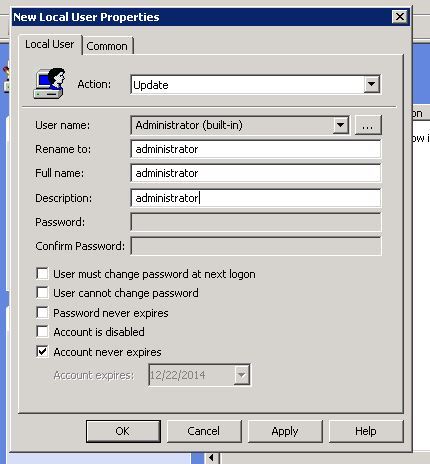
If the login password to your computers seems altered, then there is a possibility that you have been hacked as there is no valid reason as to why a password would change itself. Sounds logical right? Stay cautious and protect yourself at all times.
#5. Mysterious Programs Requesting Access
Firewalls on our system and computer security programs prevent us from giving access to unknown programs to keep the computer secure. If your computer permits access to programs, then many mysterious programs get installed hence damaging your system in the end. Also, if you have no idea why programs need permission to the Internet, then we advise you to block permission to the program. In case, you find out later that these blocks caused the problem, they can be diminished.
I hope you liked the article! In case, you wish to ask something, feel free by commenting in the box below.
(Featured Image Courtesy: Life Wire)

3 Opinions


If you mean if you can't tell if your social media account is being hacked, take Instagram for example, you might:
Commonly used strategies to hack Instagram accounts (Not to provide the criminal action here, lol)
Prevention
You could learn more security hacks here: https://www.cyclonis.com/blog/