
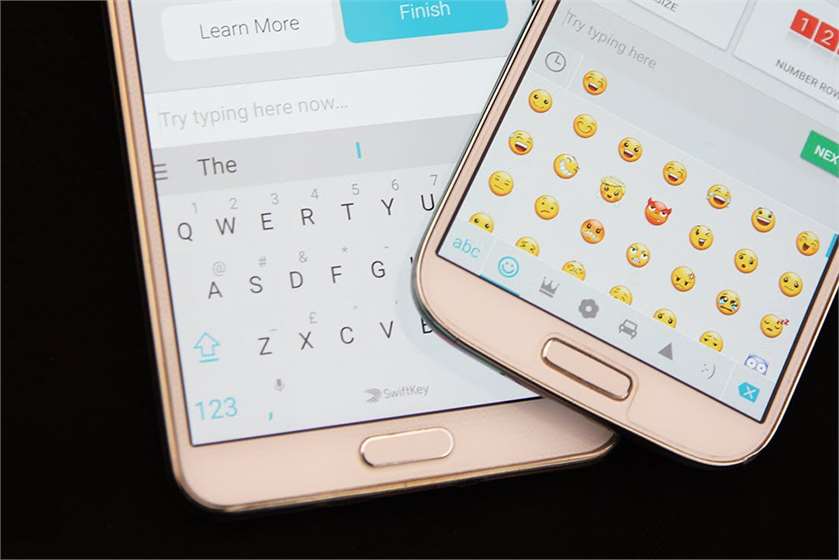
Just admit it, you love emojis. Who doesn’t? They spice up the conversations and convey things that words sometimes fail to. Without emojis, the conversations would be dull and boring.
If you have been living under a rock and wondering what emojis are, then let us tell you what emojis are. Do you know the cute, tiny ideograms or smileys that everyone sends while texting? Those are emojis.
The smartphones have surely made our conversations enjoyable as they unveiled a new world where one simple image is all we need to describe our emotions. In case your smartphone does not give you the emoji option while typing, these are probably disabled on your device.
How To Enable Emojis On Smartphone
Most devices that run on Android 4.2 or higher have a built-in graphic keyboard called iWnn IME. All you have to do to unlock it is go to 'Settings' and then tap on 'Language' and 'Input.' Scroll down the list till you come across 'IWnn IME Emoji Input'; just check if it is unchecked. This simple trick will unlock a whole new world of emojis for you.
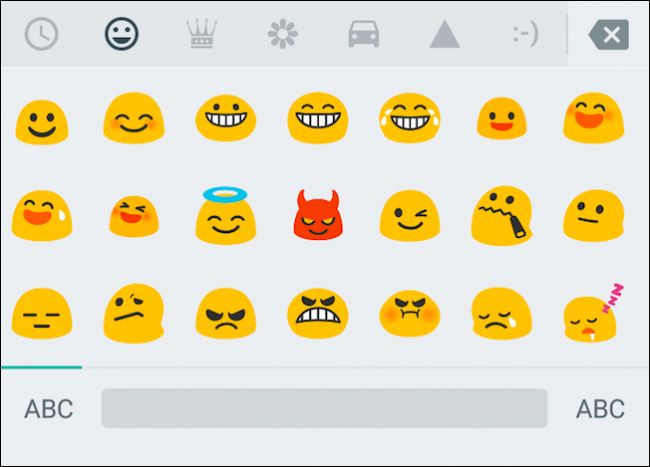
(Image Courtesy: Smartphone Image idea)
Another great option is to download an emoji keyboard which comes loaded with hundreds and thousands of intriguing smileys that are perfect for every mood. Here is a list of some emoji keyboards for Android that you can download.
#1. Kika Emoji Keyboard
Kika is undeniably one of the best keyboards with emojis for Android. But there’s more to this app. Besides downloading a plethora of emoji packs that, if we might add, are all available for free, it also offers a GIF search option using which you can simply type in the type of GIF you are looking for and pick the one that you were looking for from the results.
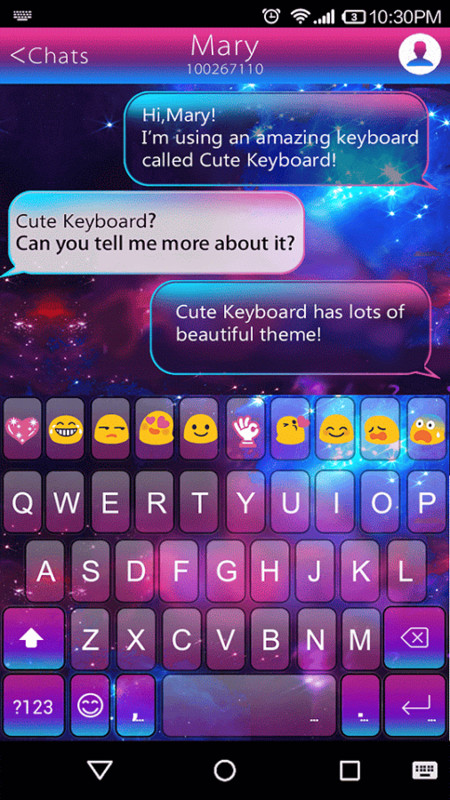
(Image Courtesy: Appraw)
#2. Minuum Keyboard
If you are looking for something that offers you more than just cool emojis, then Minuum is probably the one you should download. Apart from its keyboard gestures feature, this application also stores and manages the data through the keyboard.
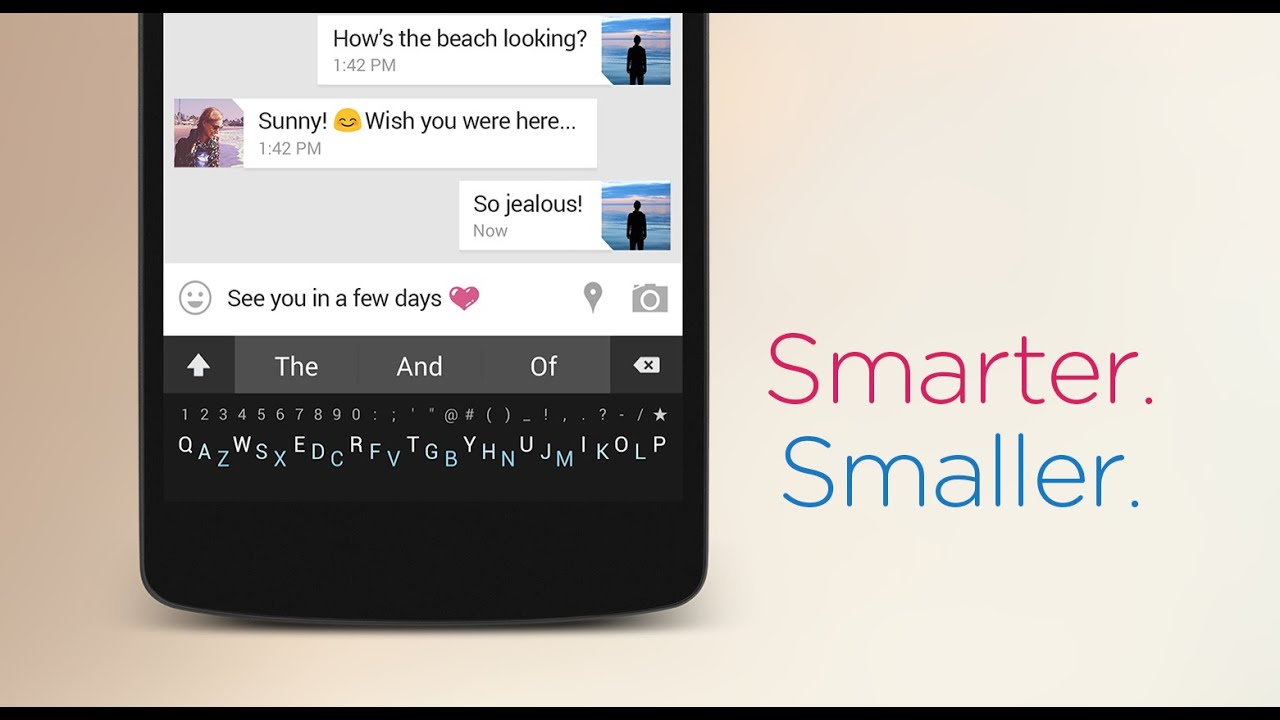
(Image Courtesy: Indigogo)
#3. SwiftKey
Though many would not consider SwiftKey as an emoji keyboard per se, it is pre-loaded with hundreds of emojis that would urge you to believe it otherwise. It's excellent predictive typing also suggests emojis that you most commonly use, so you get done with typing soon. Besides emojis, it also comes with several color themes and option to type in multiple languages.

(Image Courtesy: Elandroid)
#4. GIF Keyboard
Those who are looking for a simple keyboard without fancy background and themes but with just a plethora of emojis, GIFs and stickers must download GIF Keyboard. The best thing about it is that it allows you to switch back to the original keyboard with a single touch.

(Image Courtesy: BGR)
#5. TouchPal Emoji Keyboard
It's amazing and unique features have made TouchPal a hot favorite when it comes to keyboards with emojis for androids. Supporting more than 150 languages, it also allows users to resize the keyboard to the size which suits them the best. One drawback of this application is that it does not have a GIF support.

(Image Courtesy: Dottech)
Which is your favorite emoji keyboard app for Android? Let us know through your comments in the dedicated section below.
(Featured Image Courtesy: YouTube)

 Share
Share


I have been using SwiftKey for quite some time now and have had a wonderful time using it. What I love the most about this application is its amazing prediction which saves a lot of time. Also, there are several themes to choose from. Though there are other good apps like Go Keyboard and GIF Keyboard, but Swiftkey is an all round great app which comes loaded with a plethora of features.