Data loss has become a thing of the past with tools like Google Drive. On Google Drive, you can have a back up of all your data in quite a less complicated way. The best thing about using the drive is that it can be availed by distinctive kinds of users. The users can easily download Google Drive for PC as well as for Mac. However, you need to make sure that your account is well protected and secured.
Here is a simple step wise guide to download Google Drive for both Windows and Mac users. Also find below, some tips to use your Google Drive account safely:-
How To Download Google Drive On MAC
Follow the step wise procedure in order to download Google Drive on MAC:-
#1. After navigating to the main site of Google Drive hit the option download for MAC.
#2. Save the file named installgoogledrive.dmg to its location.

(Image Courtesy: eventx.com)
#3. Now open the aforesaid file and drag the Google Drive icon to your applications folder
#4. Access the Drive through your applications folder and enter your IEEE Google Account username.

(Image Courtesy: Slide Player)
#5. Now as soon as you are directed to the login page of IEEE, enter your member account name and password.
#6. Finish all the installation related instructions.

(Image Courtesy: computerbild.com)
#7. All you need to do now is to hit launch the Google Drive from your toolbar and drag your files to the Drive to sync them.
How To Download Google Drive On Windows
#1. Go to the main site of Google Drive and click download for PC.
#2. Save the file titled googledrivesync.exe to begin with the installation process
(Image Courtesy:
#3. As the installation is done, start the Drive and enter your IEEE username in the window that appears next.
#4. Now as you are directed to the IEEE SSO login page, you will be required to enter your Google username and password.

(Image Courtesy: Youtube)
#5. Check and finish the installation instructions and hit launch the Google Drive from the start menu.
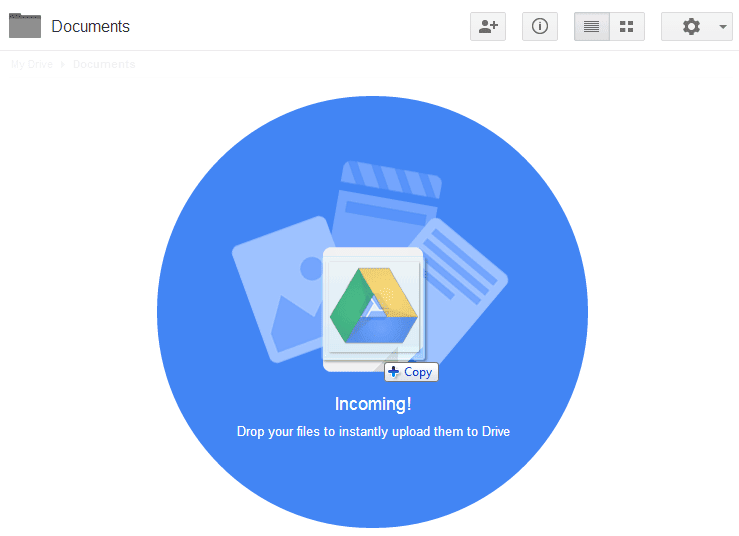
#6. Simply drag and drop the files and folders and use the drive on your PC
(Image Courtesy: Live Collectiva)
How To Use Google Drive Safely
#1. Pre Encryption
Since Google Drive does not provide an absolute security, it is wise to encrypt your files beforehand. You can either do this manually or seek help from some external applications and tools for the same.
(Image Courtesy: Tip Top Security)
#2. Complicate Your Password
By setting up a simple password for your drive, you are only allowing third parties to have an easier access to your data. Pick a high-quality password instead in order to use your Google Drive safely.
(Image Courtesy: Wired UK)
#3. Two- Step Verification
Two- step verification can further reduce the possibility of your Google Drive password to get hacked. After you set up a two step verification, you end up having more security layers on your account and your data gets protected efficiently.

(Image Courtesy: backhousemedia.com)
If you have some more ideas to use and secure Google
Drive, we would love to hear from you. Kindly use the comment box to share your thoughts and opinions with us.
(Feature Image Courtesy: Lbc)