
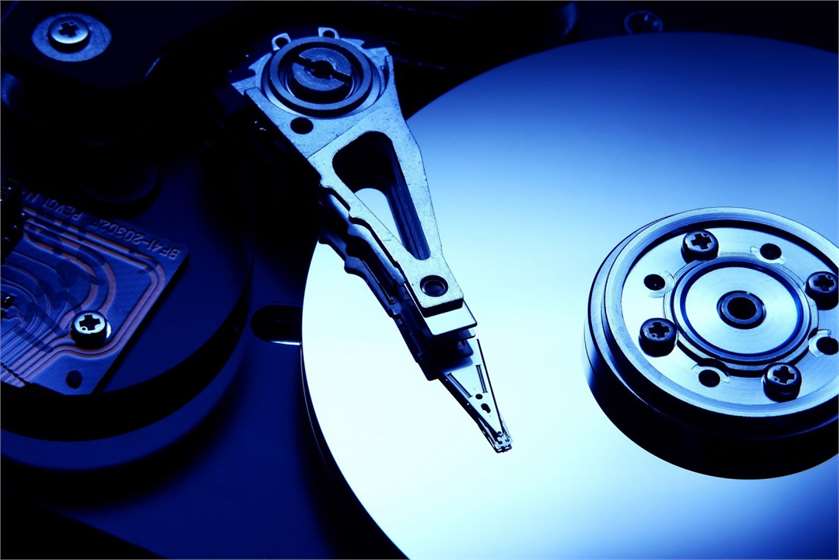
We have all went through the pain of losing important digital data at some point in our lives. The cause of data loss could be any ranging from file deletion to data corruption. However, did you know that your file is still on your drive even when you delete it from the recycle bin? To your surprise, you can find deleted files and photos till the time they are overwritten by another file.
The popular data recovery software can turn out to be quite useful while you are trying to recover the lost data. Here is how the data recovery software works.
What Is Data Recovery?
Data recovery is a term used when you try to have the access to data which you may have lost due to various reasons like, accidentally deleting files and emptying recycle bin, formatting, physical damage to the drive, a booting failure, or a reinstallation of the Windows. This can be done using numerous data loss software or tools.
However, it is important to note that, depending upon the case, data recovery may not work every time. While the chances of recovering your data are high with the advanced software for file recovery, it is not always possible to have the access to your lost data in extreme cases.

(Image Courtesy: iMon)
How Does Data Recovery Software Work?
#1. Recover Deleted Files
When you accidentally delete a file and empty your recycle bin, chances are that you can still recover it before it gets overwritten by another file. For this, you are required to put the data recovery software to work at the earliest. The data recovery software uses algorithms to spot the leftover bits of the data and find its storage location. If the software is able to locate the data, you can recover it quite easily.
#2. Recover Corrupted Data
You can use the popular data recovery software to recover data which has been lost due to a corrupt data. However, it will only works if the software is able to find the files. If nothing else, at least you can recover some parts of the data. Data recovery software also helps you repair a corrupted partition table, in case that is the reason for your data loss.
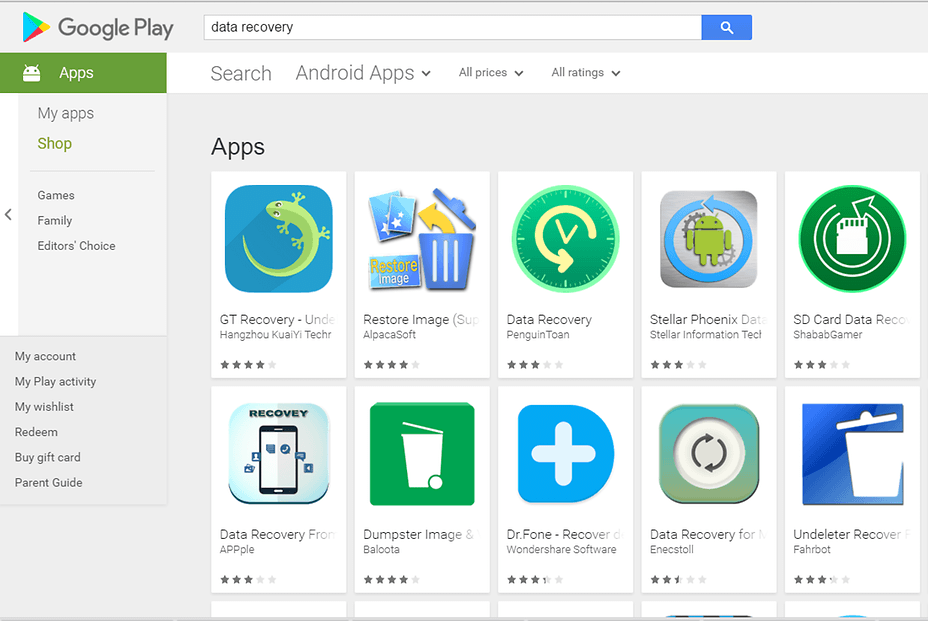
(Image Courtesy: Android PIT)
#3. Recover Formatted Files
You may end up losing a large amount of data when you format a file system. However, with the popular data recovery software, the likelihood of recovering a formatted data only increases. Albeit, it depends upon the amount of data loss, if the data recovery software is able to allocate the information, you can easily get back and recover a lot of your data.
#4. File System Damage
Depending upon the amount of damage, data recovery software can repair your file system and help you recover your data if sufficient amount of information is available for your software, and it is able to locate the lost data.

(Image Courtesy: Android Data Recovery)
We would love to hear from you. Feel free to drop in more information on data recovery software. Kindly use the comment box to share your thoughts and opinions with us.
(Featured Image Courtesy: Stellar Data Recovery)

 Share
Share


Data recovery is a chance or a possibility. We cannot be sure to recover all the files. It is not always safe. They can be hacked by the third person or be corrupt. Many times we can have files which are of no use. There are not reliable. We never know if anyone has messed with the already saved files. They could have virus and cause disruption to the existing files on the computer.