
We usually use a phone for communication purpose. But after the entry of smartphones in our life we not only use smartphones for communication purpose but also the smartphones are now being used to store important secrets of our life like business emails, personal contacts, personal photos and more. These secret files if somehow fall into the hands of bad people then it can not only ruin our personal life but also our social image. People often want to buy some new gadgets by selling their old smartphones. So while doing this they should be aware that the old phone doesn't have any kind of data in it. In simple words, the data should be wiped out or erased from their phones before they exchange or sell it.
What are the different ways of data erasing process from your android device?
According to the security software company Avast, the built in factory reset option is not sufficient enough to erase all the data from your phone. Those data's can be recoverable. So there are few steps through which we can erase the phone data before disposing of the phone.
Step One: Encrypting the data
For wiping out the data fully from our smartphone the first thing what we can do is encrypting the device. This process can be done on stock Android and to achieve it we first have to go to the settings part of the Android phone and from settings go to security and select Encrypt phone. We may also get different paths to go to the Encrypt option on other devices.
Step Two: Factory resetting
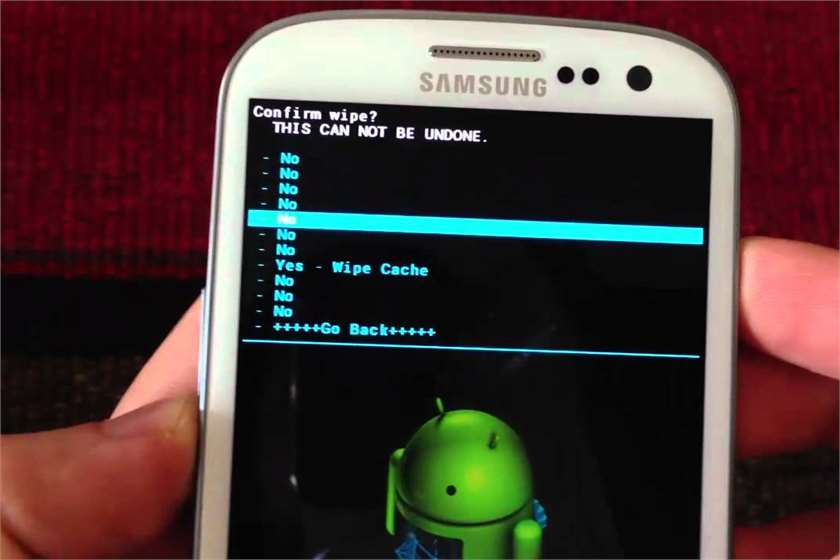
After encrypting the mobile data, the next step is performing the factory reset job. It is always advised to take a backup of your important files as this step will erase all our mobile data from the Android device. In every Andriod device, we can find this Factory Reset option under the settings> backup & reset section.
These two steps will definitely help you to wipe out our phone's data permanently.


